AI disaster recovery for small business is no longer aspirational — it’s achievable. Disaster recovery is how your business gets back up and running after something goes wrong: data, systems, and access included, not just backups. AI now handles the parts that used to require a full IT team: verifying backups automatically, catching threats early, keeping documentation current, and proving the plan actually works
- Why Disaster Recovery Quietly Becomes a Problem
- What Disaster Recovery Actually Means
- How AI Disaster Recovery for Small Business Actually Works
- The Building Blocks of an AI-Driven Plan
- What an AI-Driven Program Delivers
- How to Move From Reactive to Ready
- Where Most SMBs Need Help
- Frequently Asked Questions
Why Disaster Recovery Quietly Becomes a Problem
Disaster recovery sits near the bottom of most priority lists. It feels like insurance — necessary, but never urgent enough to deal with today. So it waits.
Then something happens. Ransomware locks a shared drive. A server dies mid-quarter. Someone deletes the wrong folder before lunch. A cloud outage takes down the tools your whole team depends on.
That’s the moment disaster recovery stops being theoretical. It’s the difference between a rough afternoon and a real business problem.
For most SMBs, building a plan that could actually hold up in that moment used to be out of reach — it took staff, time, and tooling smaller teams simply didn’t have.
That’s exactly where AI disaster recovery for small business changes the math.
43% of small businesses hit by a disaster never reopen — and another 29% close within two years.
Source: FEMA, via Invenio IT
What Disaster Recovery Actually Means
People often use “backup” and “disaster recovery” like they’re the same thing. They’re not.
Backup is a copy of your data. Disaster recovery is everything it takes to get the business itself working again — data, applications, systems, communication, and access, all of it.
Think of backup as the parachute. Disaster recovery is the full plan for landing safely, finding your team, and getting back on the road.
Real disaster recovery answers one question: if something major broke tomorrow, how fast could you be back to normal — and what would it cost you while you waited?
Most businesses can’t answer that with any real confidence. AI is starting to change that.
How AI Disaster Recovery for Small Business Actually Works
For most of its history, disaster recovery ran on people. Someone had to check that backups worked, watch for threats, keep documentation updated, and run the drills. Small teams rarely had the hours to spare.
AI removes most of that ceiling.
Verifies Backups Automatically
Instead of hoping backups ran, AI checks that they’re complete, usable, and free of corruption — continuously. Problems get flagged before an incident, not during one.
Detects Threats Earlier
AI watches for patterns that don’t belong and flags them before they become a full-blown incident. Early warning is often the whole difference between contained and catastrophic.
Keeps Documentation Current
Recovery documentation stays matched to how your environment actually looks today — not how it looked whenever someone last remembered to update the binder.
Speeds Up Decisions Mid-Incident
When something’s down, AI surfaces what’s affected and what to do next. That clarity buys back minutes you don’t have to spare.
Generates Evidence on Demand
Auditors, insurers, and customers all want proof the plan works. AI builds that proof continuously, so your team isn’t scrambling to reconstruct it after the fact.
The Building Blocks of an AI-Driven Disaster Recovery Plan
A strong plan isn’t complicated. It’s a handful of pieces working together — and AI strengthens every one of them.
A Clear Picture of What Matters Most
Not everything is equally critical. Start by naming the systems, data, and processes the business can’t run without. AI keeps that map current as things change.
Recovery Targets That Match the Business
Two numbers drive the plan: Recovery Time Objective and Recovery Point Objective. AI tests whether your setup can actually hit them.
Reliable, Verified Backups
A backup that’s never been tested isn’t a backup you can trust. AI verifies continuously, so you find out it works before you need it.
Defined Roles and Communication
The worst time to figure out who’s in charge is mid-outage. A real plan spells out roles and decisions before anything breaks.
Recovery Steps People Can Follow
Instructions clear enough to work under pressure — even if whoever wrote them is on vacation.
A Tested Plan, Not a Theoretical One
Untested plans fail when it counts. AI makes regular testing realistic by automating the heavy lifting.
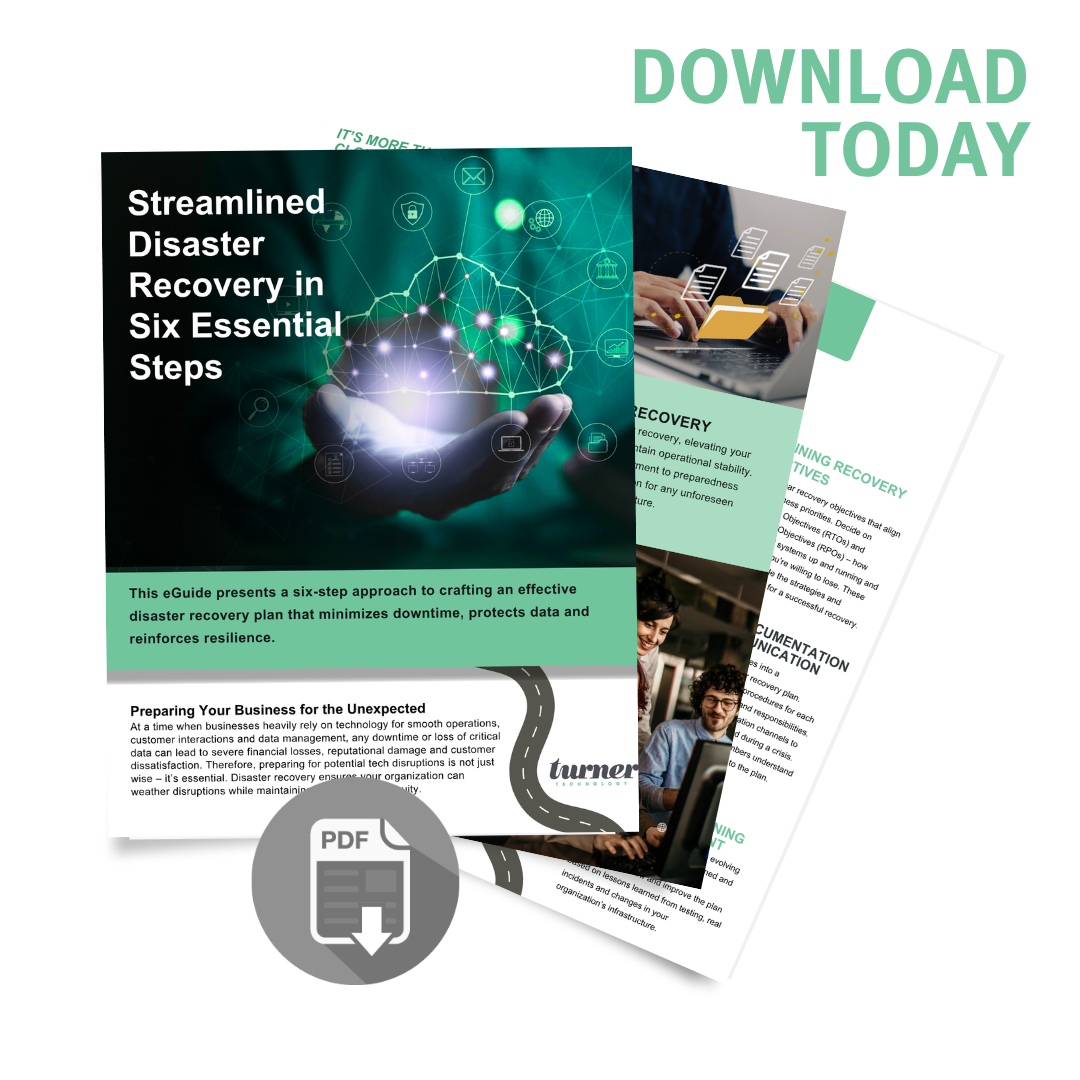
Not sure where your plan stands today? Our free six-step guide walks through exactly what a real disaster recovery plan needs.
Get the Free GuideWhat an AI-Driven Disaster Recovery Program Delivers
Woven into disaster recovery, AI’s impact goes well past “surviving an outage.”
- ✓Faster recovery, less downtime when something breaks
- ✓Lower risk of losing data for good
- ✓Continuous verification instead of a once-a-year fire drill
- ✓Stronger customer and partner trust, backed by real evidence
- ✓Simpler answers to security and compliance questions
- ✓More confident decisions at the leadership level
That’s not just protection. It’s a business advantage.
How to Move From Reactive to Ready
Most SMBs handle disaster recovery reactively — something breaks, they patch it, they hope it doesn’t happen twice. A real program looks different. It’s built, tested, and improved on purpose.
Take Stock
Use AI to map what you actually have today — what’s protected, what isn’t.
Define What Matters
Set recovery targets that reflect how the business really runs.
Build, Test, Maintain
Put real protection in place and let AI prove it continuously.
None of this requires a large team. It requires intent — and the right tools.
Where Most SMBs Need Help
Most small and mid-sized businesses don’t have a dedicated continuity team. They have IT generalists, stretched operations leads, and not much spare time to war-game every scenario.
That’s where the right partner earns their keep. A good one brings frameworks, experience, and AI-driven tools that turn disaster recovery from a someday-project into a working program.
More than that, they bring honesty — telling you where you actually stand, not where you’d like to stand.
Ready to Build a Disaster Recovery Plan You Can Actually Rely On?
If your plan is out of date, untested, or living only in someone’s head, it isn’t a plan. It’s a hope — and hope isn’t something you want standing between your business and a real incident. We build AI disaster recovery for small business plans that are practical, continuously verified, and shaped around how your business actually runs.